
JibeONE Core Platform
The shared foundation for records, roles, workflows, dashboards, automation, and AI across JibeONE.
Jibe Foundations: the common core that connects every process
Jibe Foundations is the shared layer underneath every module: common entities, relationships, security, automation, content, analytics, and AI context that let work move across the business without breaking into separate systems.
Tie every business process to the same source of truth.
Core Platform is not another departmental app. It is the foundation that lets JibeONE processes share customers, staff, work, commitments, permissions, automations, dashboards, and AI context. CRM can hand work to PSA. Service can inform Product. Website forms can become CRM follow-up. Backoffice requests can use the same ownership, approval, and reporting model.
- Shared records for customers, contacts, users, teams, activities, products, services, cases, approvals, dashboards, workflows, prompts, and agents.
- Relationships that let records travel across marketing, sales, service, delivery, backoffice, and website processes.
- Common ownership, status, security, audit, and reporting patterns across modules.
- A single business vocabulary for dashboards, automations, and Jules.
- A foundation that lets new modules fit into the business instead of becoming separate systems.
Shape the model without losing the foundation.
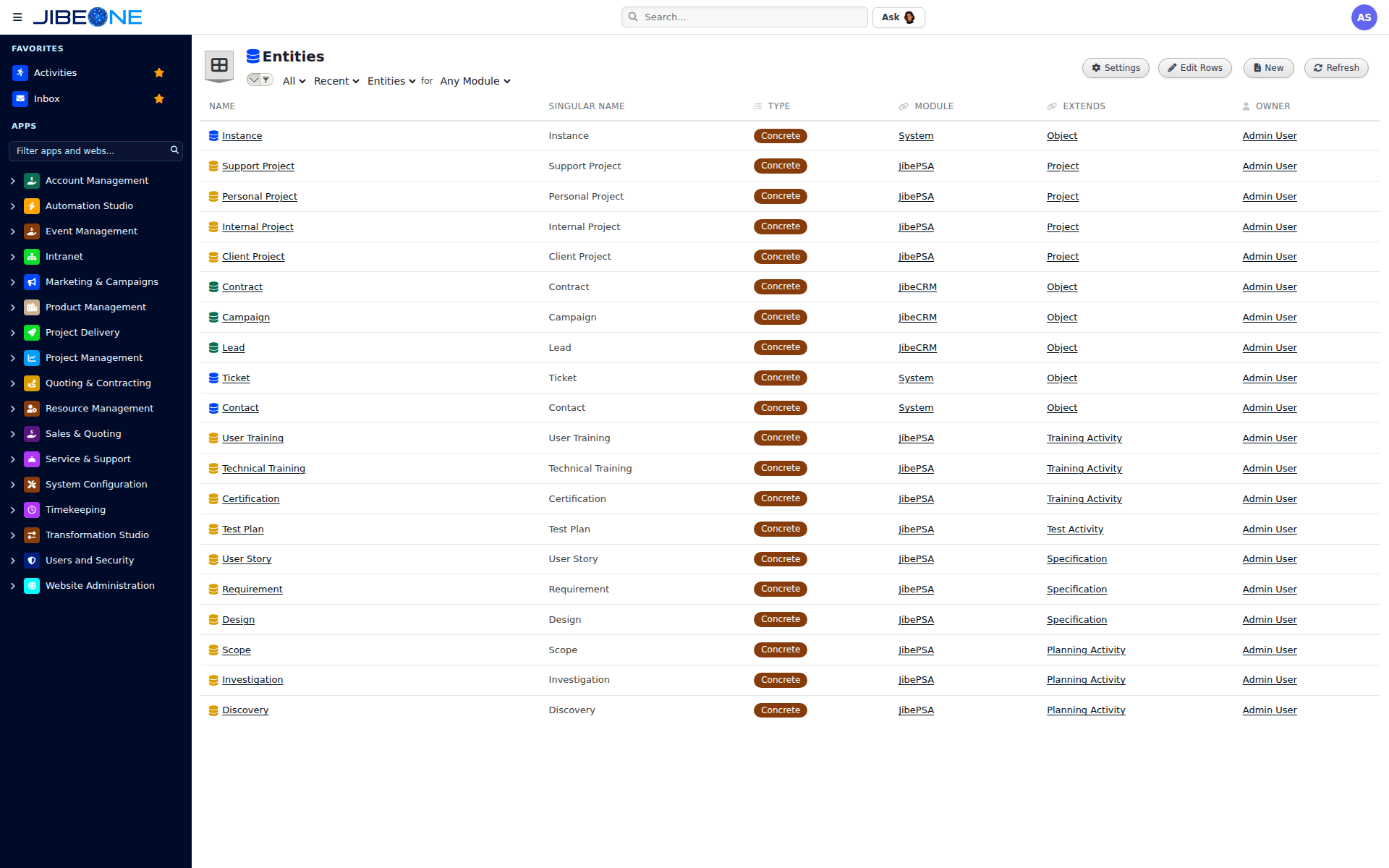
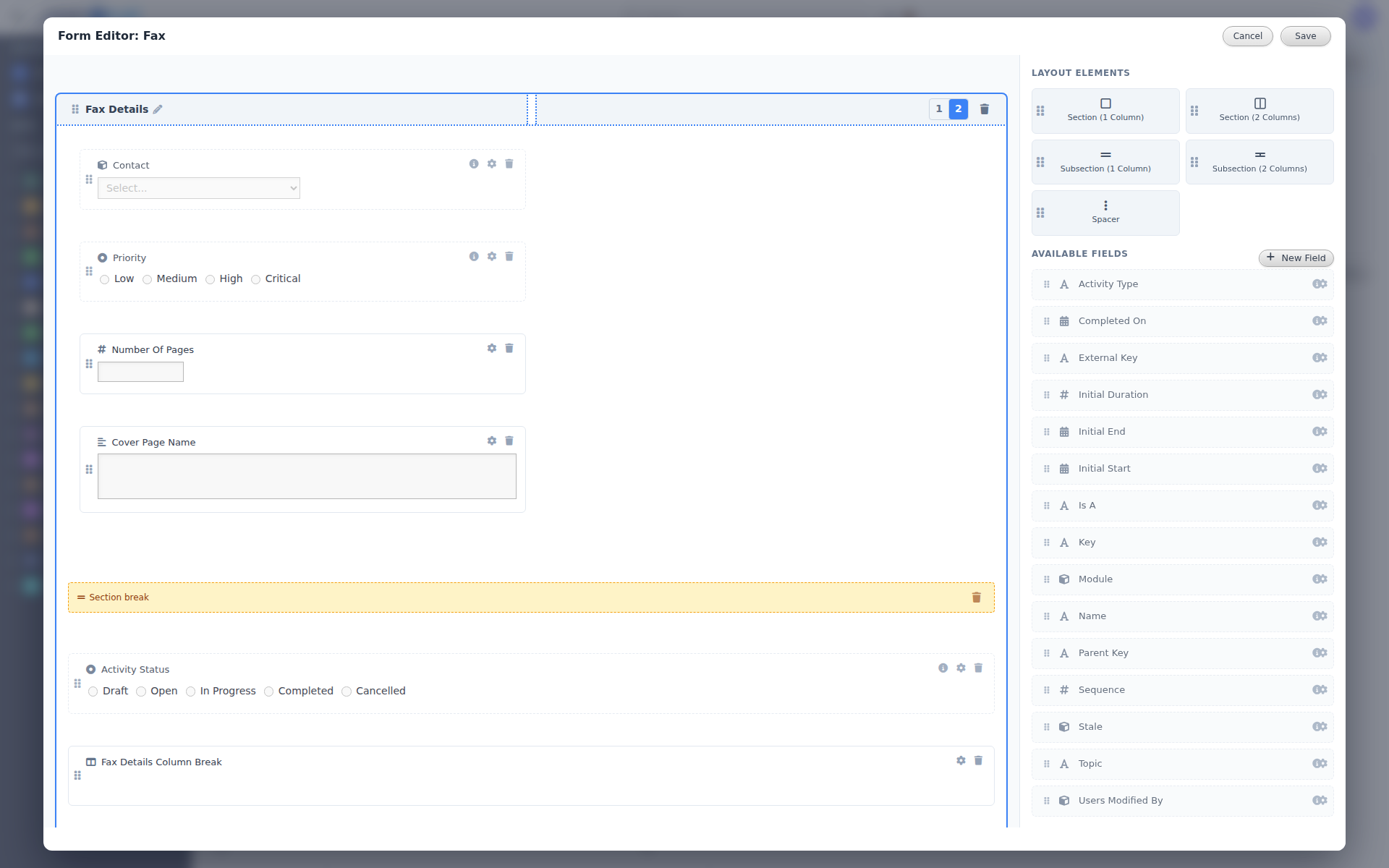
System Configuration is where administrators manage the structure of JibeONE: modules, apps, entities, forms, fields, choices, settings, permissions, and platform utilities. It gives the business a controlled way to evolve the system while keeping records, relationships, and governance aligned.
- Configure modules, apps, entities, forms, fields, relationships, choices, and defaults.
- Extend standard business objects without creating disconnected custom databases.
- Manage settings and platform utilities from a governed administrative workspace.
- Keep ownership, status, module placement, and metadata consistent as the model grows.
- Let dashboards, workflows, and Jules inherit the configured business model.
Turn business rules into dependable execution.
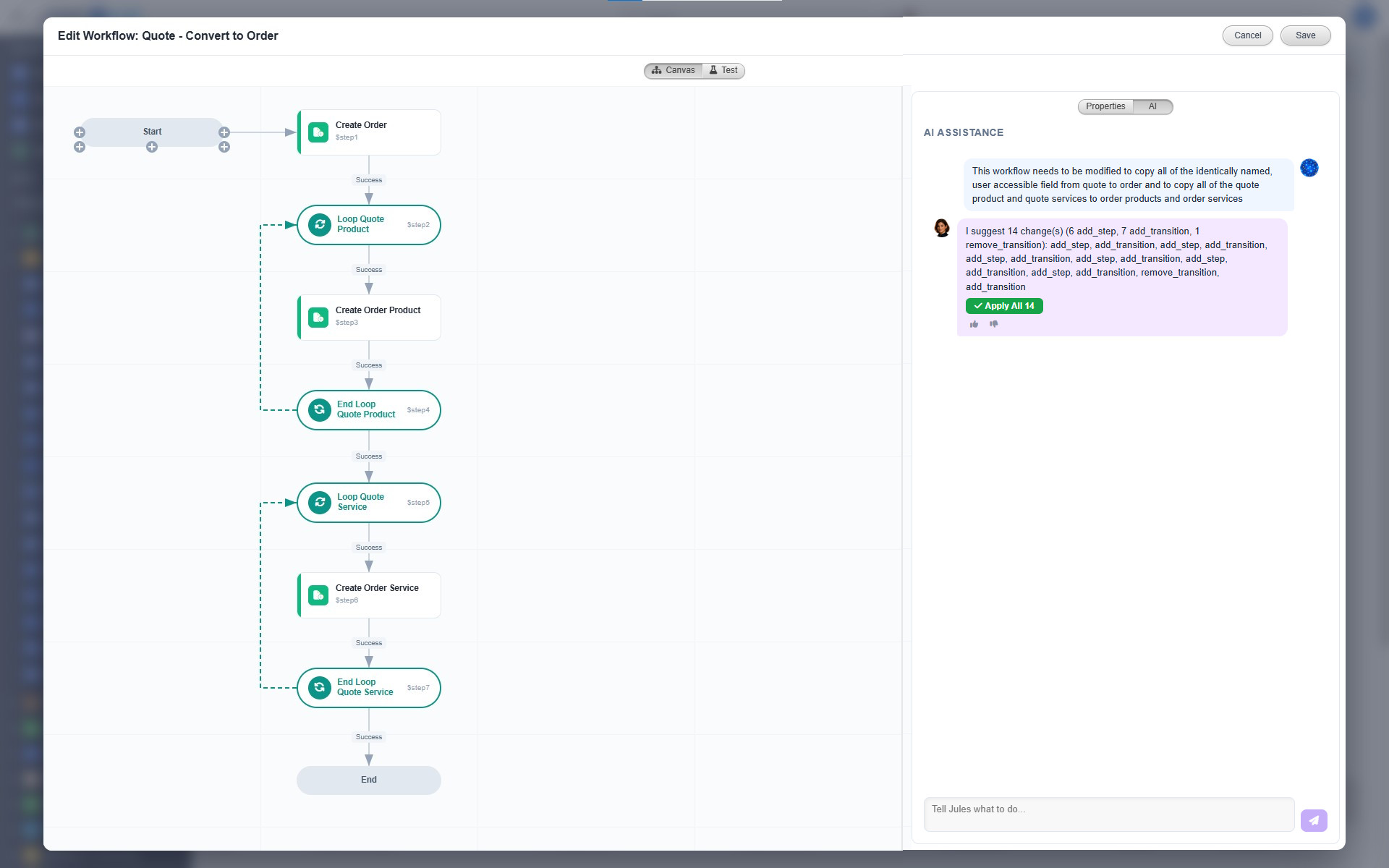
Automation Studio is where administrators and power users manage the rules that make work move: validations, calculations, workflows, scheduled jobs, approval processes, notices, traces, failures, and exceptions. It turns repeatable work into governed execution instead of hidden scripts or tribal memory.
- Create and manage validations, calculations, workflows, scheduled jobs, approvals, and notifications.
- Run automation against governed entity records so rules have business context.
- Track run history, failures, retries, traces, queue health, and exceptions.
- Use reusable process patterns across modules rather than one-off automation code.
- Surface stalled work and failures where teams can fix them.
Govern who can see, act, approve, and administer.
Users and Security manages the people and permissions behind the platform: users, groups, security roles, API keys, ownership, access reporting, and the records that determine who can work where. The goal is simple: one governed access model for every module.
- Manage users, groups, teams, roles, and administrative ownership.
- Control access through role-based permissions and row-level data filters.
- Track API keys, identity-related records, and access reporting in one security workspace.
- Keep security policy tied to business responsibility instead of hardcoded exceptions.
- Apply the same access model across CRM, PSA, intranet, website, and custom modules.
Content and analytics built in
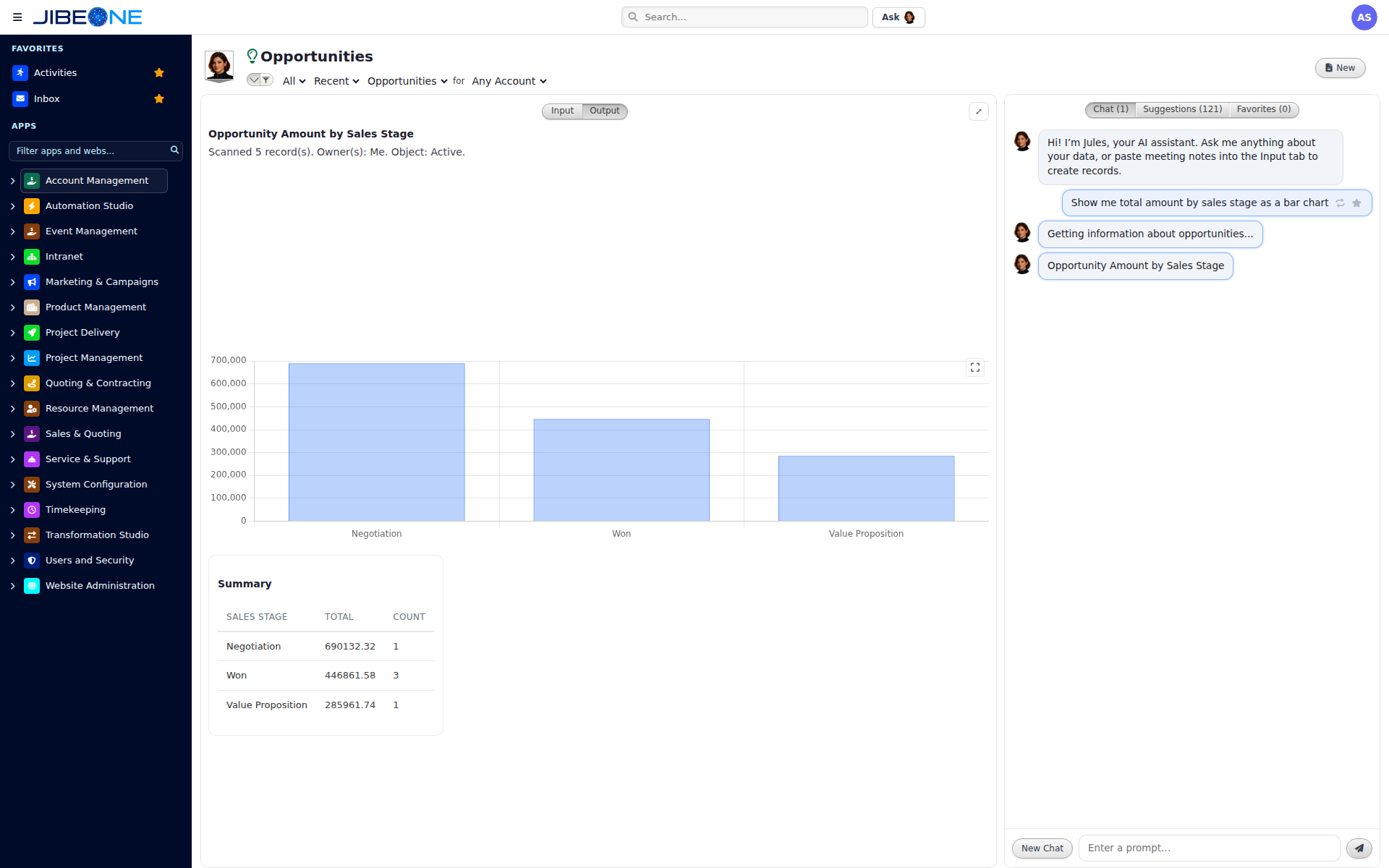
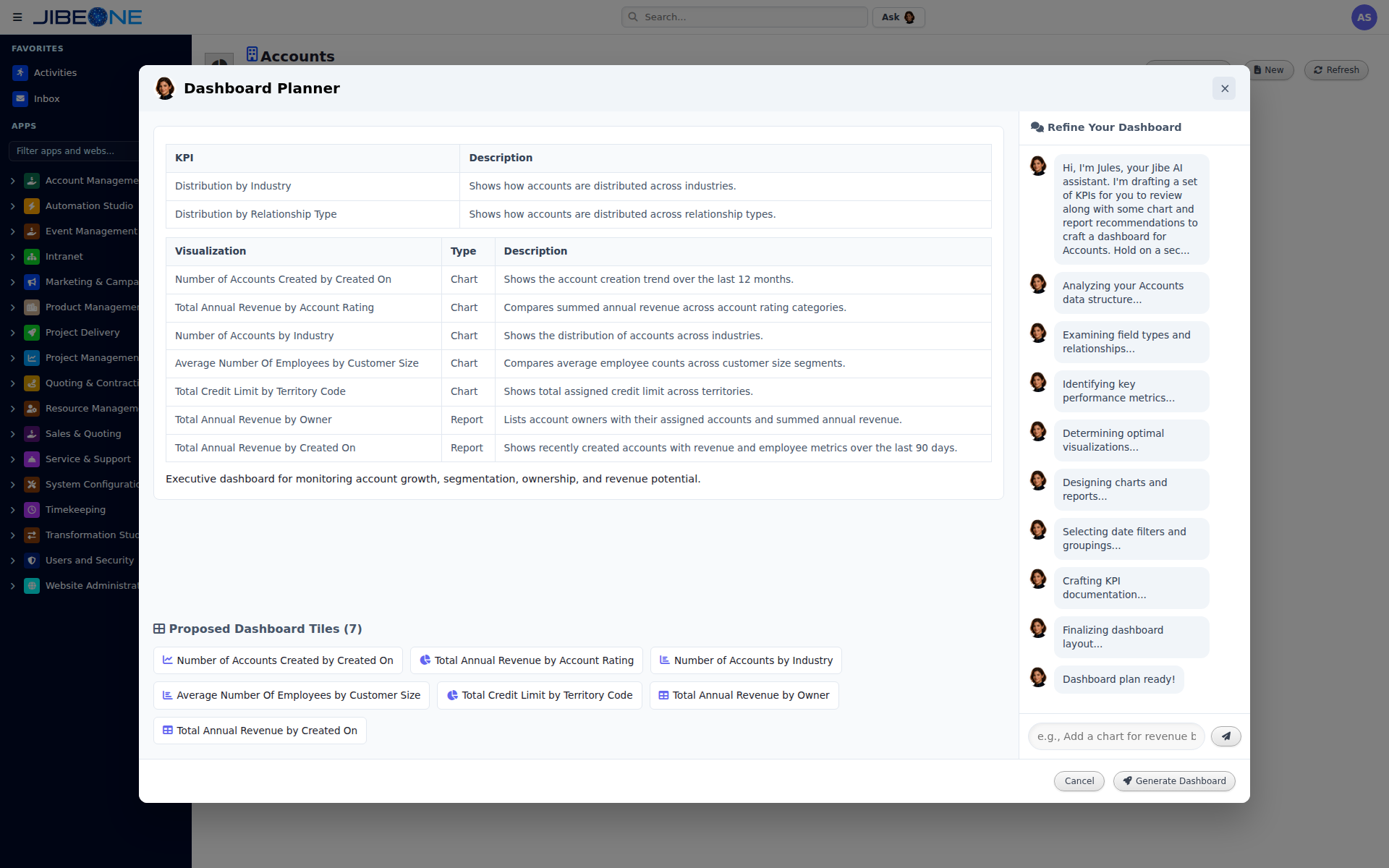
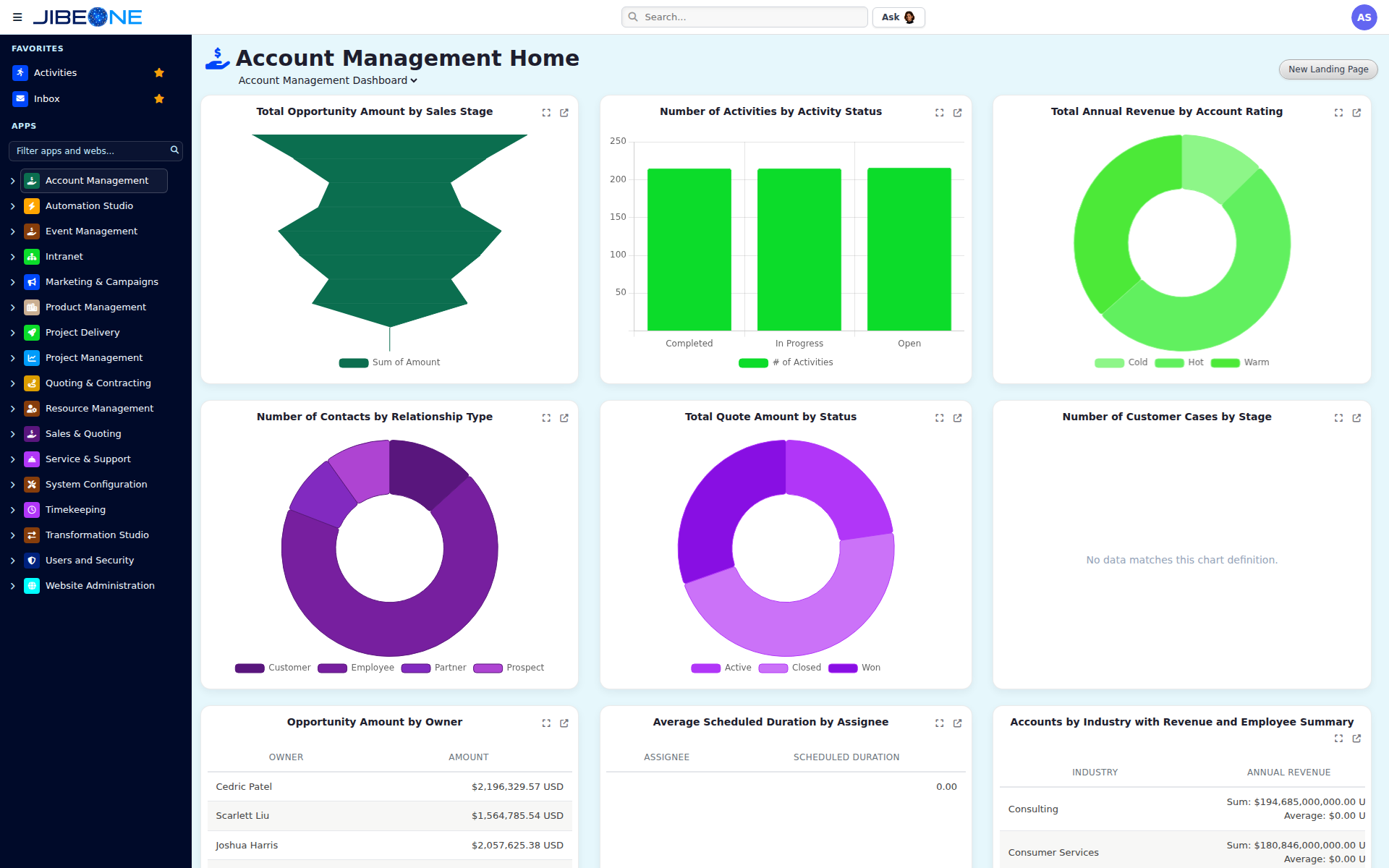
Turn shared records into business knowledge: wiki pages explain the work, charts expose patterns, reports answer operating questions, and dashboards keep every role focused on what changed.
Connected to the rest of the business.
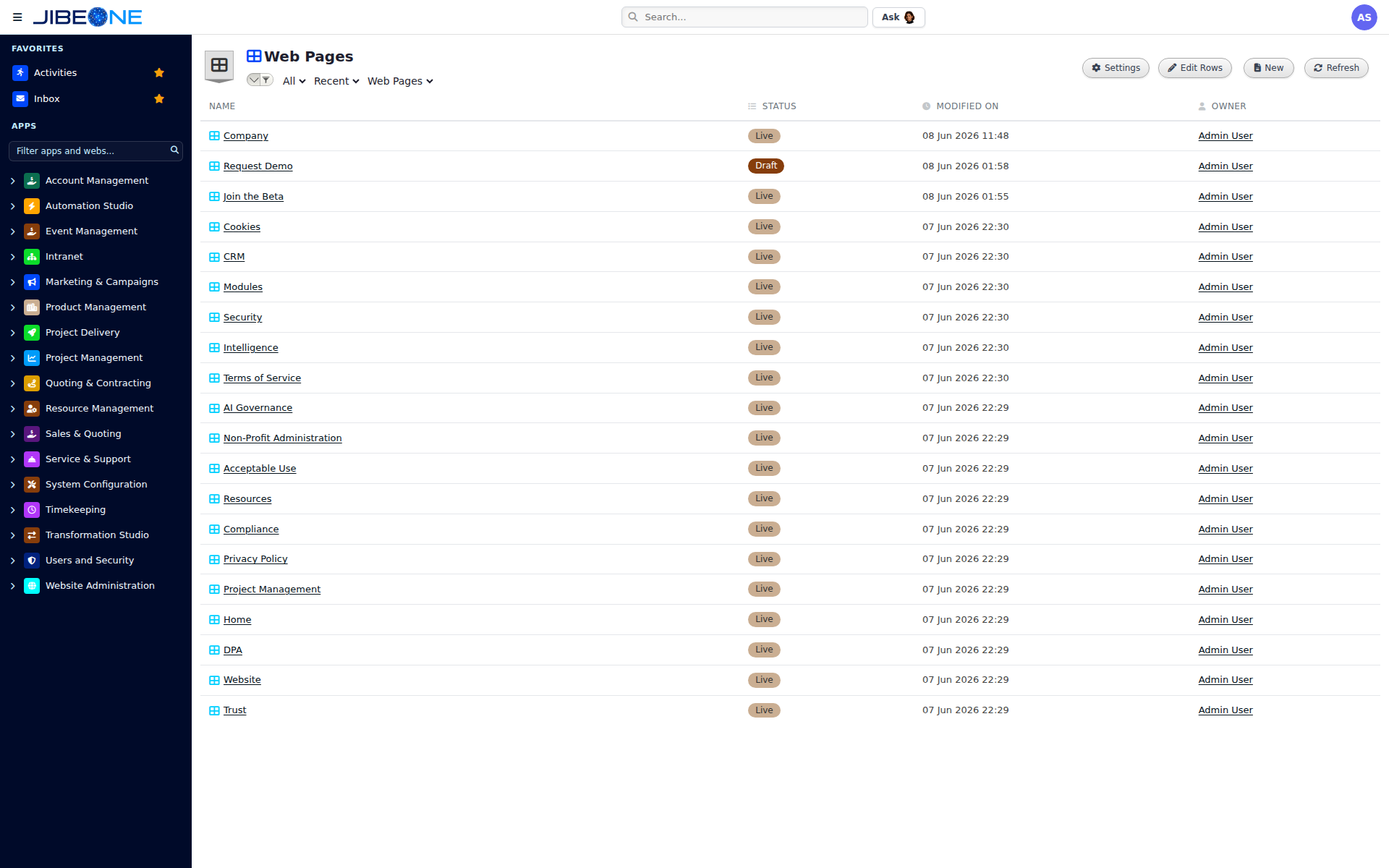
Core Platform runs on the same identities, permissions, automations, and Jules as every other module. See Website next.